
2026 / FUSION ADD-IN
Gear Generator
True involute gears you can edit again and again.
Parametric gear creation add-in
Gear Generator
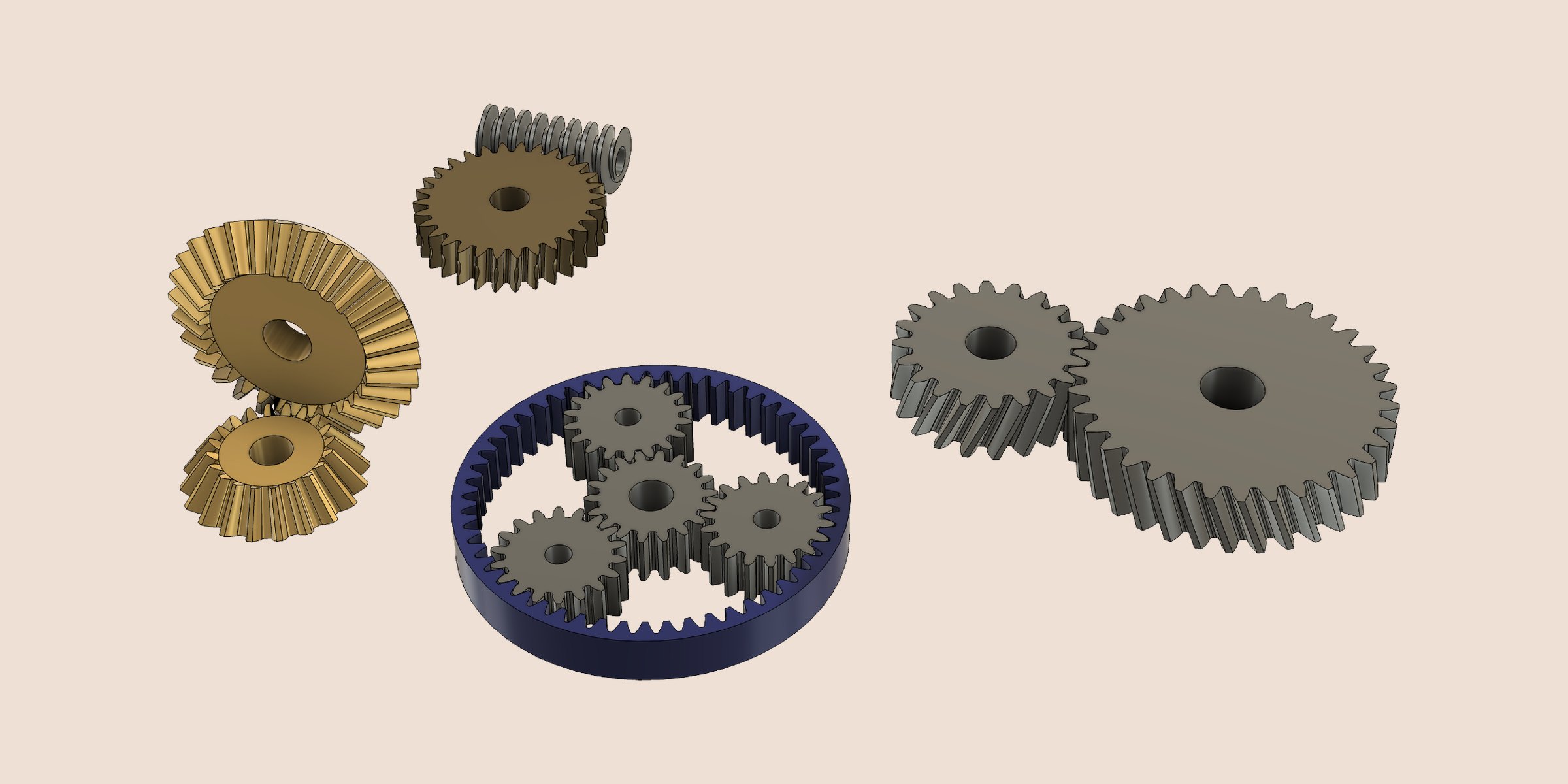
Gear Generator is an Autodesk Fusion add-in that creates 10 types of gears, from spur gears to worms and sprockets, from parameters. Tooth profiles are true involute curves, accurate enough for 3D printing and machining as-is. Bores, keyways, hubs and mounting holes are kept as a single feature on the timeline that you can re-edit any time.
The challenge
Gear 3D models usually meant hunting for manufacturers’ CAD data or settling for approximate shapes, and rebuilding them every time the tooth count or module changed. Prototyping with 3D printing requires accurate tooth profiles and models that include bores and keyways.
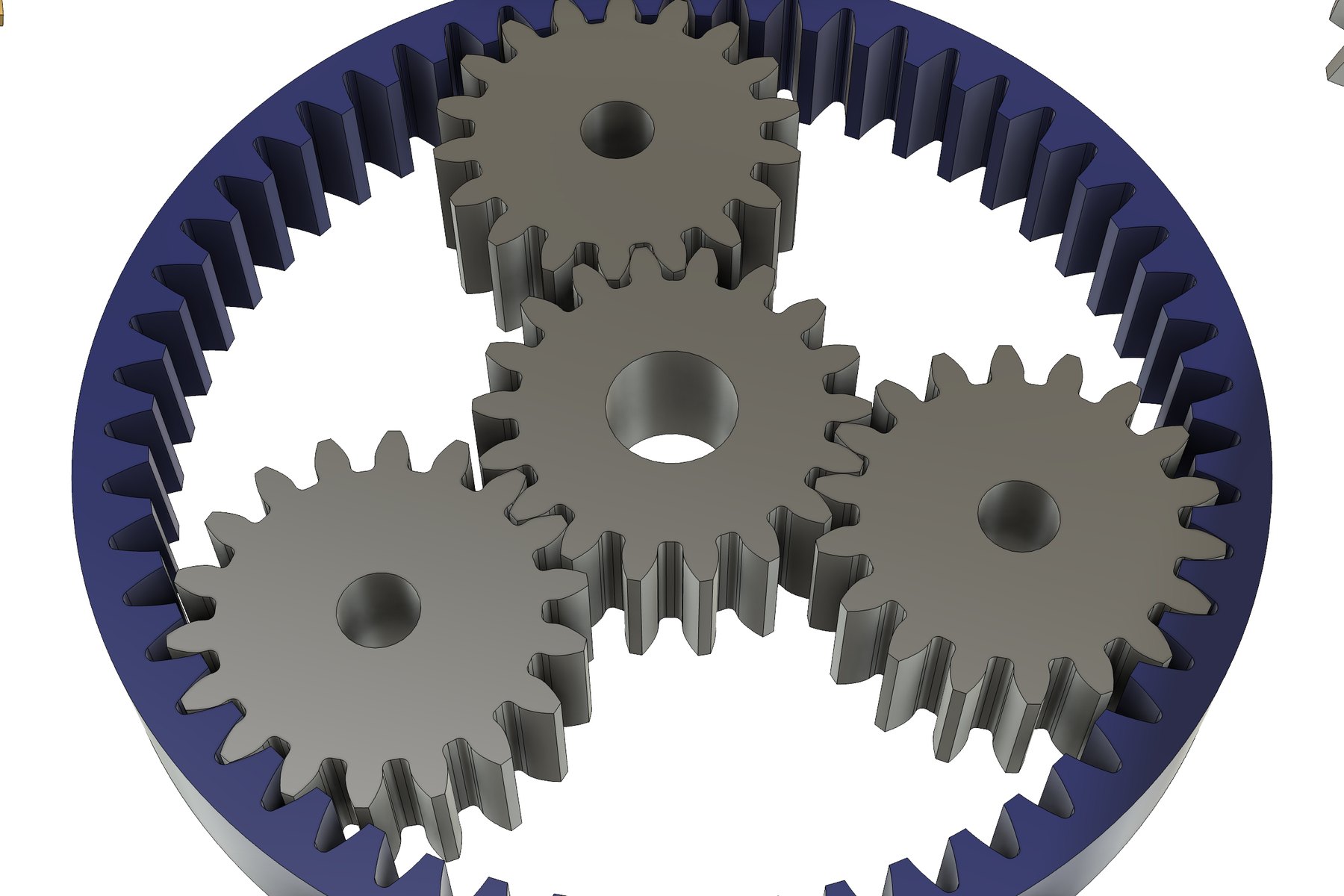
Gear Generator features
10 gear types
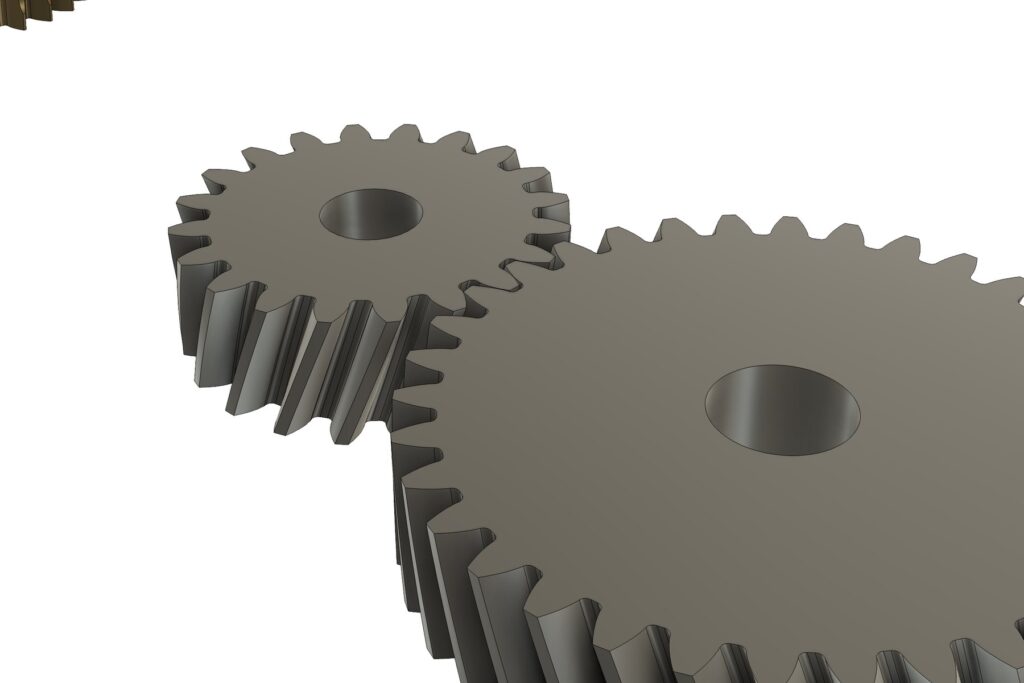
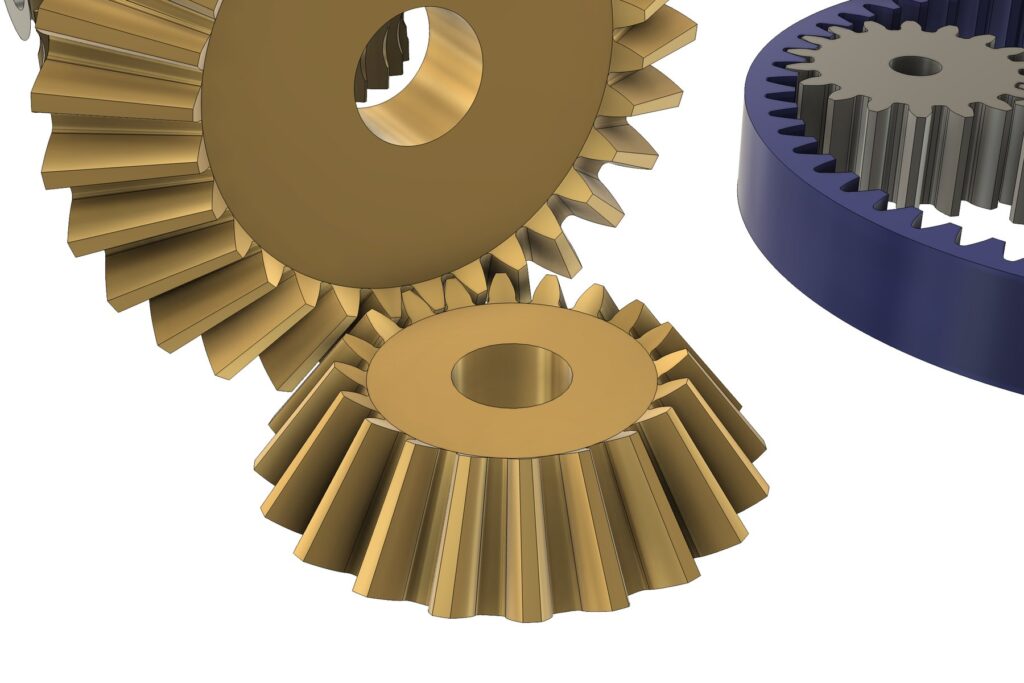
Spur, helical, herringbone, straight bevel, internal, rack, worm, worm wheel, timing pulley (GT2 / HTD) and chain sprocket (ISO 606).
True involute profiles
The involute from the base circle is reproduced with multi-point interpolated NURBS. Root fillets, profile shift, backlash and tip chamfers are supported.
Re-edit on the timeline
Created as a single custom feature holding all parameters. Right-click “Edit Feature” to change the tooth count or module.
Bores, hubs and mounting holes
Keyways (automatic JIS B 1301), D-cuts, hubs, set screws and spigots. Mounting holes on PCD, rectangular or linear pitch, with taps, counterbores (JIS B 1176) and countersinks.
Place gear sets in one step
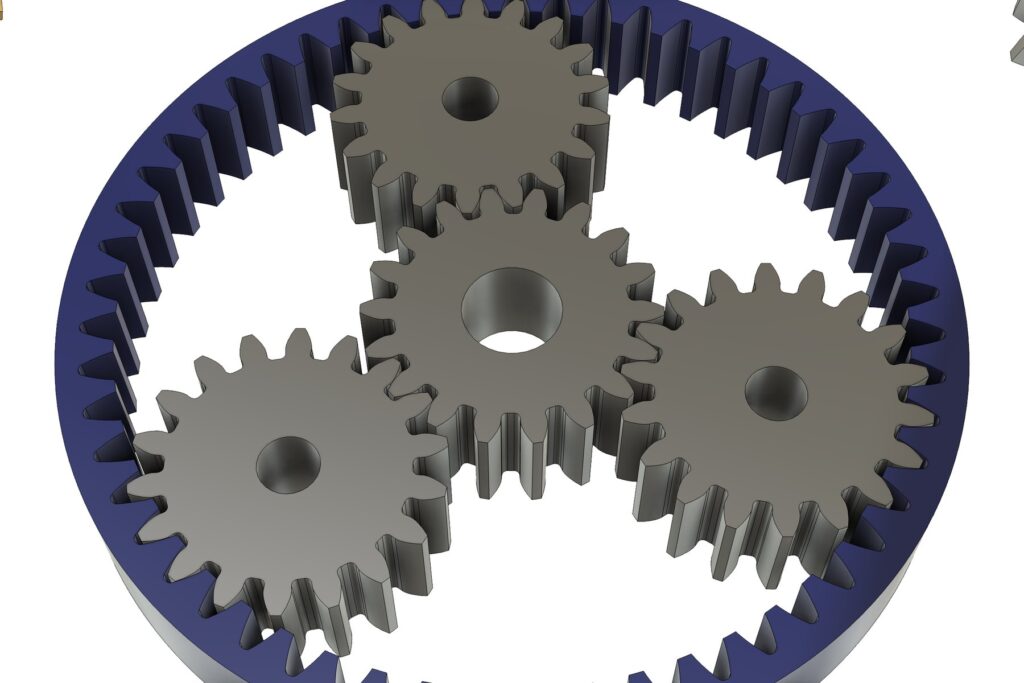
Insert meshing gear pairs, bevel gear pairs, planetary sets and worm drives with revolute joints and motion links. Interference checks are automatic.
Instant preview
While you type, a mesh built from the tooth profile appears almost instantly. The final model is generated when you press OK.
How to use
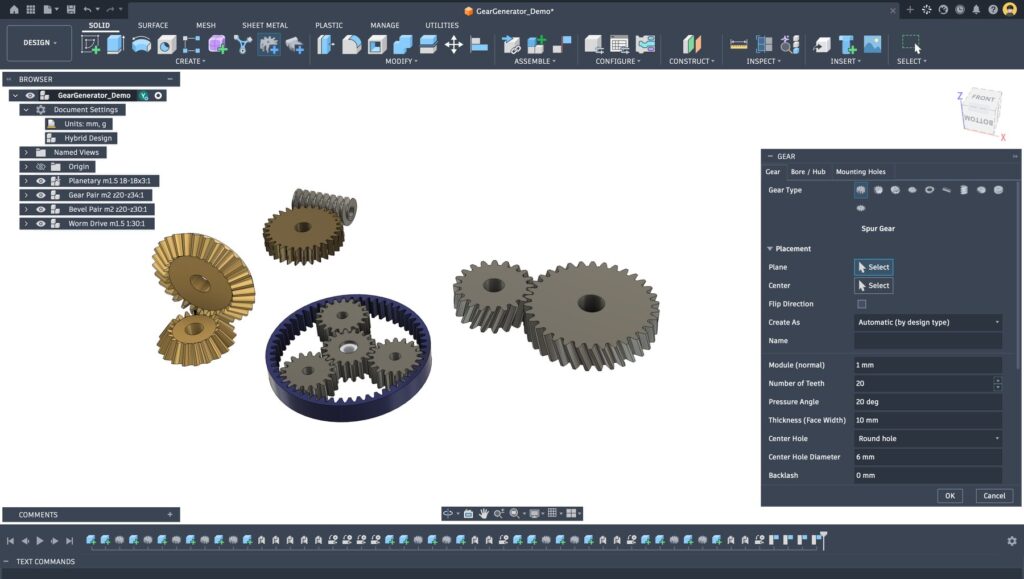
01 Choose the type
Select the gear type from the icons
02 Enter the specs
Set module, tooth count, bore and mounting holes
03 Place and edit
Assemble as a set and re-edit later
Specifications
| Gear types | Spur / helical / herringbone / bevel / internal / rack / worm / worm wheel / pulley / sprocket |
| Gear sets | Gear Pair, Bevel Pair, Planetary, Worm Drive (with joints and motion links) |
| Standards | Keyways JIS B 1301, counterbores JIS B 1176, clearance holes ISO 273, chains ISO 606 |
| Output to | Part / Hybrid / Assembly Design (bodies and components) |
| Requirements | Autodesk Fusion (Windows / macOS) |
Documents & contact
For adoption or demos, feel free to contact us. The product brochure (PDF) is also available.