
MI DESIGN DIV. / FUSION ADD-INS
Product
Autodesk Fusion add-ins that cut repetitive design work.
Autodesk Fusion add-ins
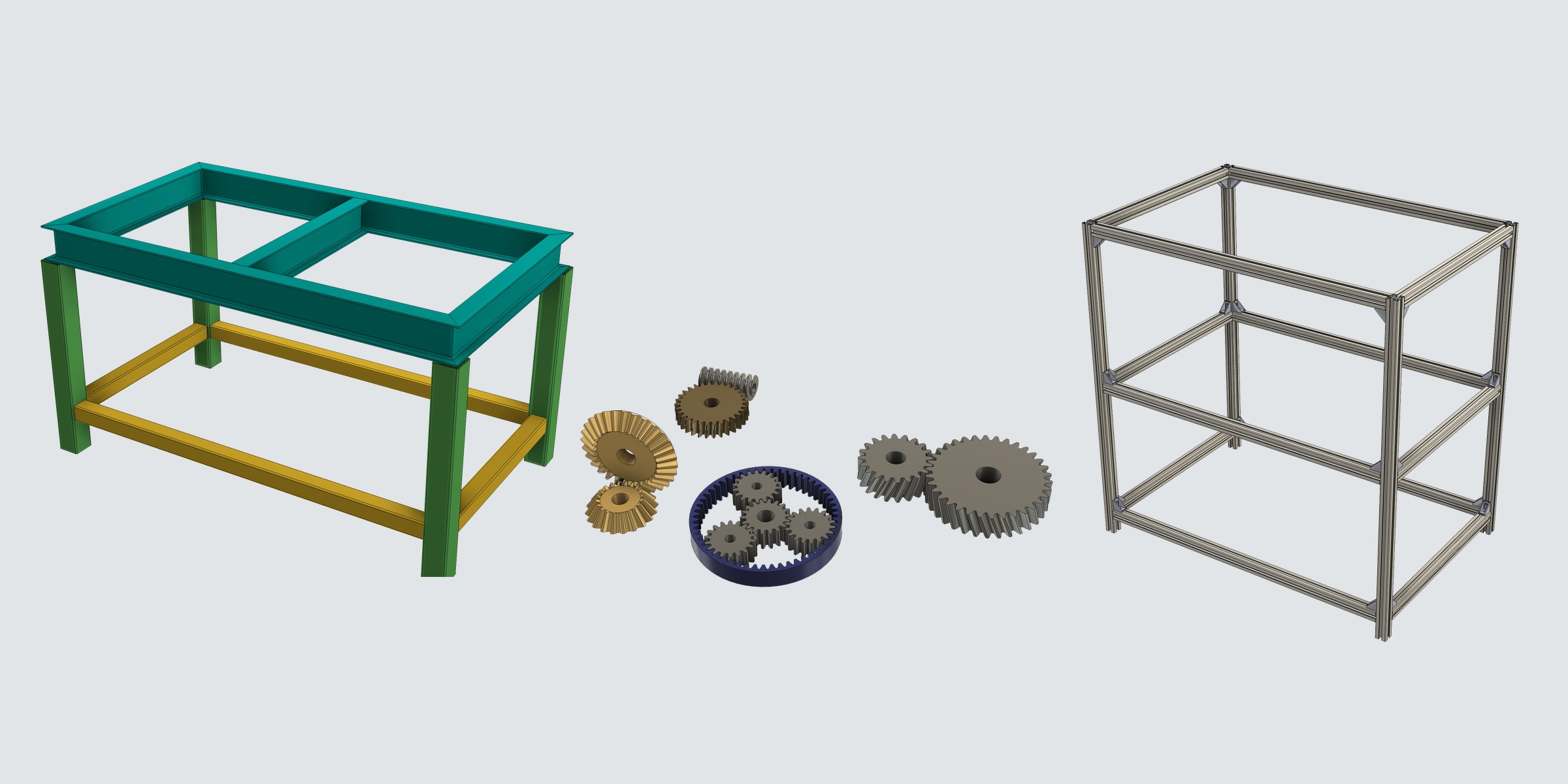
Autodesk Fusion add-ins developed by Mikawa Industry Inc.’s MI Design Div. They automate the repetitive work of the design floor — modeling steel stands, aluminum frames and gears, and the cut lists and order lists that follow.
Structural Member
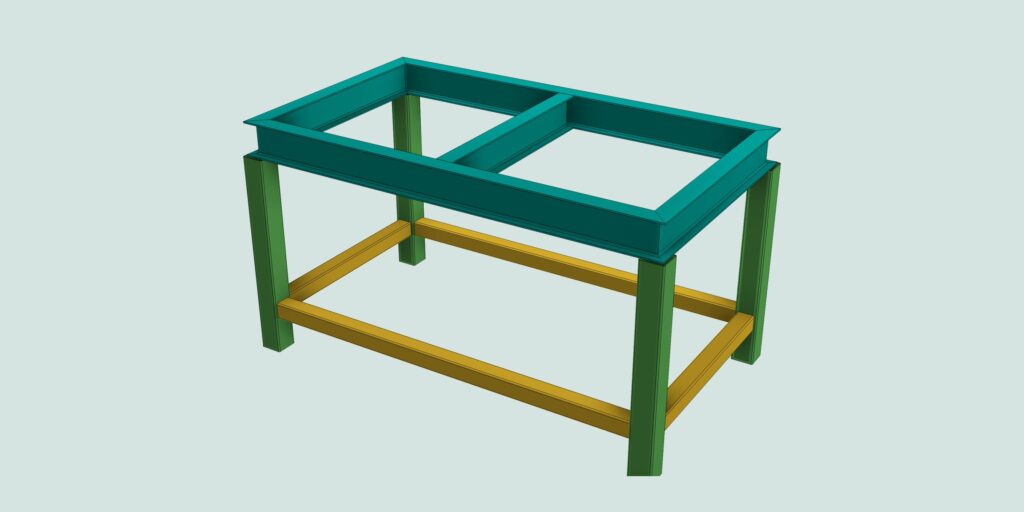
Steel frame design (JIS / ANSI)
Assign JIS / ANSI steel sections to sketch lines and model stands and frames in one go — from joint trimming to cut lists and stock-length allocation.
- More than 4,400 JIS and ANSI steel sizes
- Automatic trimming of miter, butt and T-joints
- Cut lists and stock cutting plans (CSV / PDF)
Aluminum Extrusions
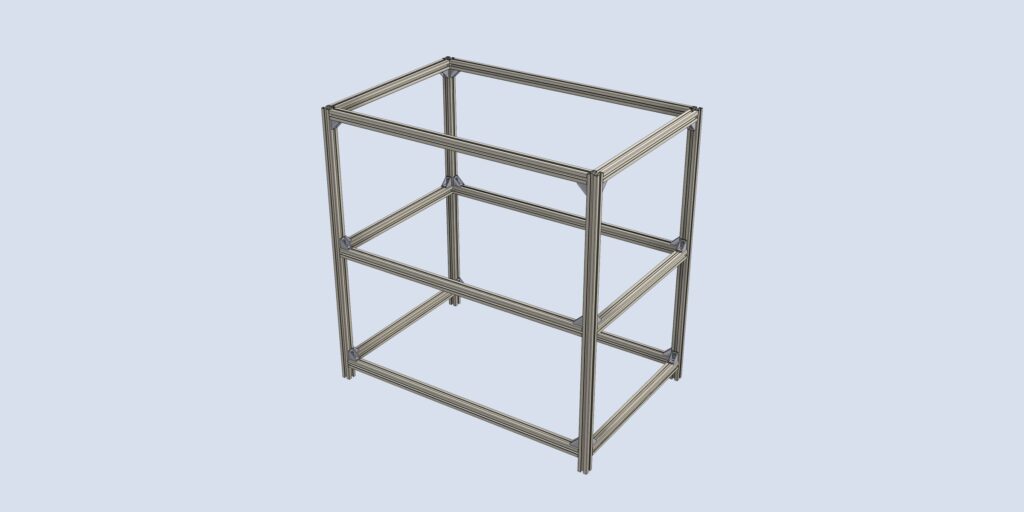
MISUMI aluminum frame design
Build frames with MISUMI aluminum extrusions (5 / 6 / 8 series) and place brackets and nuts as real geometry — all the way to an order list with MISUMI part numbers.
- 139 part numbers across MISUMI 5 / 6 / 8 series
- Part number = MISUMI order code (with length)
- Cut list with order list (CSV / PDF)
Gear Generator
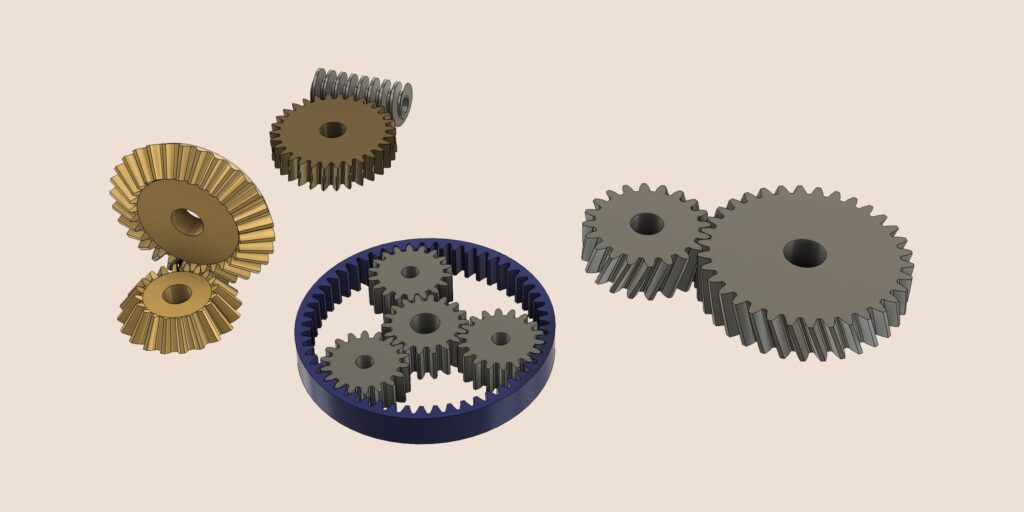
Parametric gear creation
Create 10 types of gears, from spur gears to worms and sprockets, with true involute profiles — and re-edit them any time, including bores, keyways and mounting holes.
- 10 gear types (bevel, internal, rack and more)
- Gear sets such as planetary and worm drives, with joints
- Bores, keyways (JIS B 1301) and mounting holes
Common to all three add-ins
Runs as Fusion commands
Available as commands added to Fusion’s Create panel. Supports both Windows and macOS.
Edit any time
Results remain as features on the timeline; right-click to change settings and regenerate.
Connected to procurement
For steel and aluminum frames, cut length, cut angle and quantity are exported to cut lists (CSV / PDF) for direct material ordering.
Talk to us about adoption
For demos and adoption, feel free to contact us.